 The GM Deck
Built for Dungeon Masters.
Every major surface in The GM Deck, grouped by the way a DM actually thinks about prep and play. Each entry links into the full guide for the long-form walk-through.
Looking for what is shipping next? See the roadmap. Looking for what just shipped? See the patch notes.
World Building
Capture a setting once and reuse it across every game you run.
World and Entities
Build a world out of typed pages: NPCs, Locations, Items, Encounters, Mobs, Roll Tables, Shop Tables, Notes, Vehicles, Factions, and Lore. Each type ships with a library of templates that prompt for the fields a DM actually uses (a Tavern asks for proprietor and rooms; a Generic NPC asks for stats and faction). Mention any other page with @ and the mention becomes a live link.
Folders
A split-view file tree per world that lists every page, timeline, and plotline alongside the folders you create to organise them. Drag entities onto folders to file them, drag folders onto folders to re-parent. Folders can be manual or rule-driven (an Auto folder picks up every entity carrying the right tags). Edit any selected row inline on the right without leaving the page.
Maps
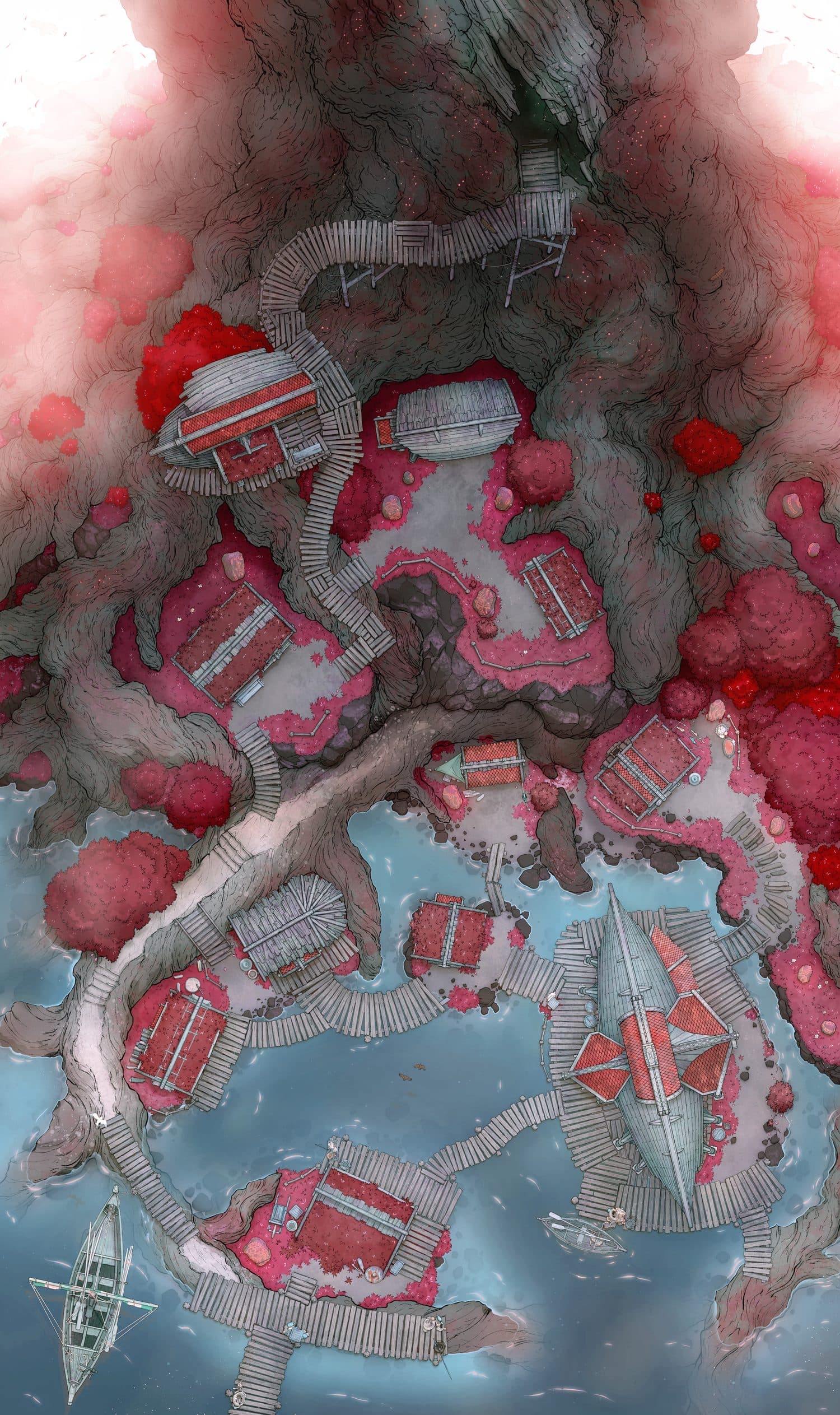
Any Location can carry a map image with interactive pins on top. Pins are tip-anchored teardrops that take their colour and inner glyph from whichever entity each pin links to. Group related pins into named layers, draw freeform polygon regions, and toggle each pin or region between visible and hidden so you control exactly what shows up on a player handout.
Timelines
Chronicle a setting’s history independently of any single campaign. Events sit inside named eras and flow left to right as a horizontal ribbon, with stacked cards for events that share a date. Eras carry accent colours; events carry images, categories, and prose. The same ribbon turns vertical inside the session runner so you can scrub history without leaving the table.
Plotlines
Plotlines are world-level narrative arcs broken into ordered stages. Each stage carries prose and links to the entities involved; campaigns track their own progress through a plotline independently, so the same arc can be at stage two in one game and resolved in another. Active plotline progress shows in the session runner so you always know where the party stands.
Web
An interactive graph view of every world, campaign, plotline, timeline, page, session, and handout you own, drawn as nodes and connected by every reference between them. Pan, zoom, and click any node to recentre the canvas and open its detail in the right-hand pane. Filter by world or campaign to study a single thread.
Session Running
Live-play surfaces built for the moment between rolls.
Session Plan
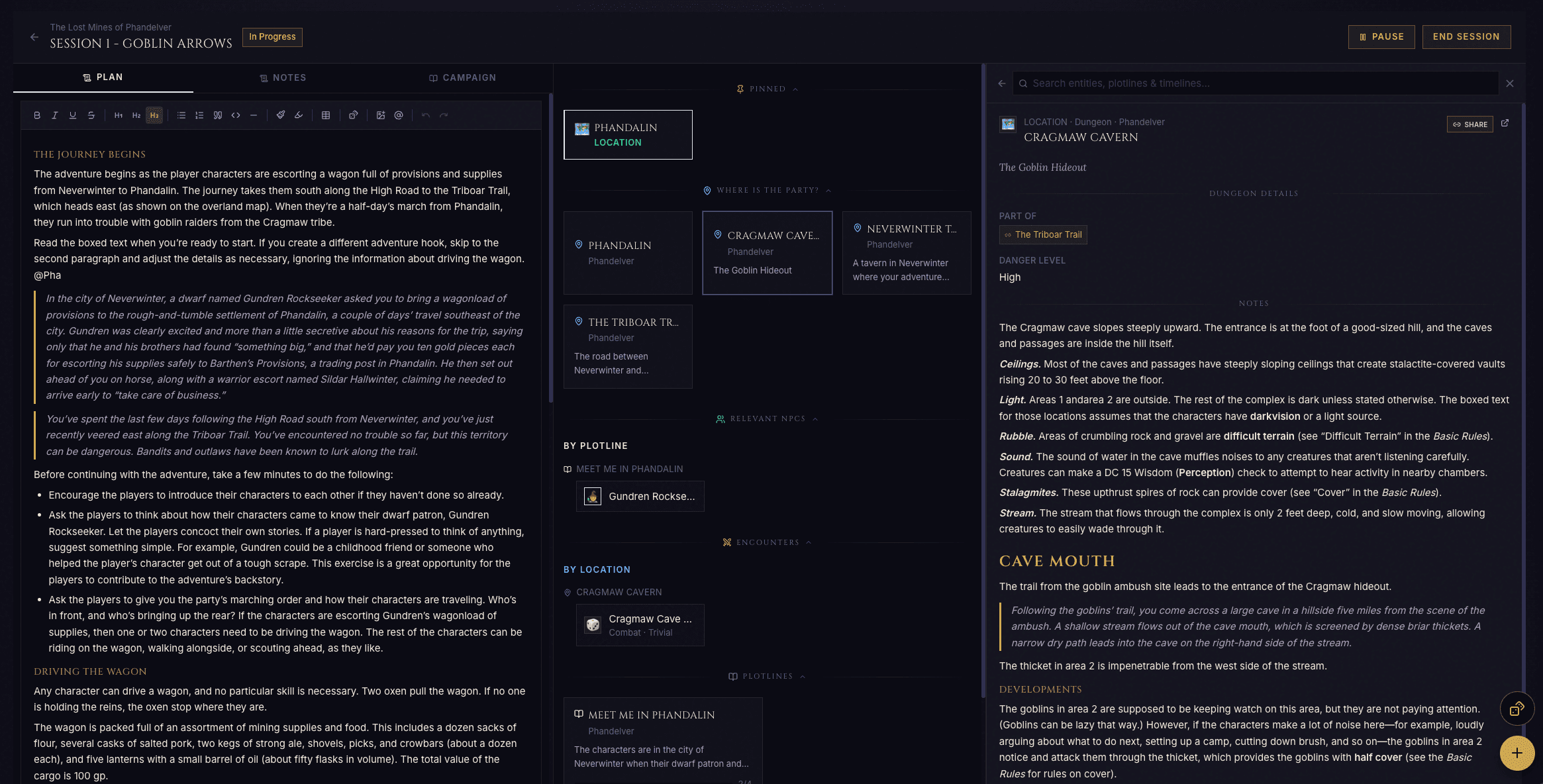
Every session has a dedicated planning page where you assemble what you will need at the table: the locations the party will probably visit, the NPCs they will meet, the encounters you have prepped, the plotline beats you want to advance, the timeline events that might come into play. Pin the items you will definitely use so they sort to the top of the runner’s quick-links column.
Session Runner
A three-column workspace built for the table. Pinned content on the left, your live notes in the middle, a search pane on the right that finds anything in the world without leaving the page. On phones the same three columns become a tab strip. The whole layout fits the full screen so nothing scrolls off the bottom while you are typing.
Combat Tracker
A live initiative, HP, and condition surface that takes over the session runner’s middle column the moment combat begins. Roll initiative, drag rows to break ties, tap an HP cell to open a Damage / Heal / Set HP popover, apply any of the fifteen standard 5e conditions. Add reinforcements mid-fight and they slot into the order the moment you save. End Combat writes a one-line entry into the session log and the recap.
Recaps
A short summary attached to each session record. Compose it from your live notes (they sit right next to the recap in the same view) and the combat tracker contributes its own one-line entry on End Combat. Recaps surface on the campaign timeline so you can skim the last few weeks before the next game.
Rolls and Dice
Roll Table pages turn a numbered list of outcomes into a one-click roll surface; any prose field in the app accepts inline dice expressions like /d20, /2d6+3, or /2d20kh1 for advantage. Click any expression chip to resolve it, or roll any expression you type from the floating 3D dice tray.
Campaign Management
The bridge between your world and the people you play with.
Campaigns
A campaign is the playthrough that ties your world to a specific group of players. It carries the player roster, the schedule, the master plan, the list of sessions you have run, the recaps you have written, and per-campaign reputation notes. Two groups exploring the same world are two campaigns linked to one world, so the world stays consistent while each campaign carries its own story. Calendar invites go out to every player the moment a session is scheduled.
Reputations
Free-text reputation notes on NPCs, Locations, and Factions, scoped to a single campaign so the same entity can be friendly in one playthrough and hostile in another. Notes are prose rather than numerical scores, so they tell you exactly what you need at a glance.
Handouts
Public, share-link views of a single entity page that you can hand to your players without giving them an account. Pick which surfaces to expose (Image, Map, Details, Full Details), copy the URL, send it to your players. Edits to the source page flow through to the share link automatically, and you can revoke the link the moment you want it dark.
Misc
Convenience surfaces that round out the core feature set.
Custom Templates
Define your own entity shapes when the built-in eleven types don’t fit. Each template carries a name, an icon, an accent colour, and the structured fields you want every page of that shape to prompt for. Custom templates show up in the New Page picker, in subtype filters, and on the Web alongside the built-ins.
Import and Export
Bundle one or more worlds, plus optionally the campaigns and sessions linked to them, into a single portable export file you own. Re-import the file to recreate everything in your account or another DM’s, with cross-references between worlds, pages, plotlines, timelines, and sessions preserved. Available on every plan; fair-use limit of three exports per hour.
To-Do Queue
A personal, cross-world bookmark list. Anything you want to come back to later (a half-written NPC, a campaign mid-prep, a session whose recap is not done) gets added with one click and surfaces on the queue page until you remove it. Edit any item inline on the queue page itself, no detail-page round-trip required.
Sign up and run your first session inside the 14-day trial, no card required.
Start your trial